Ages 5–7
Guided discovery
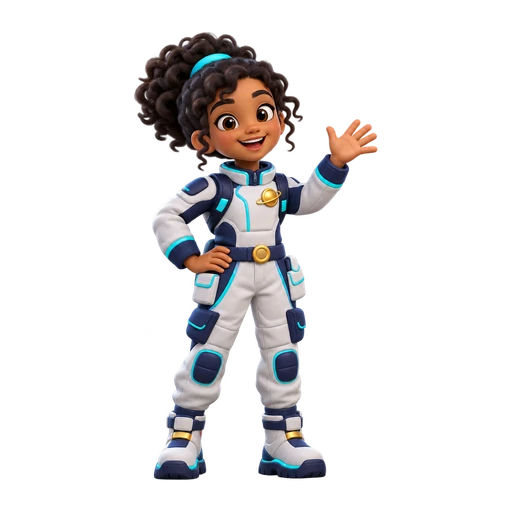
Tap, explore and follow a friendly guide one step at a time, with narration and big, simple controls.
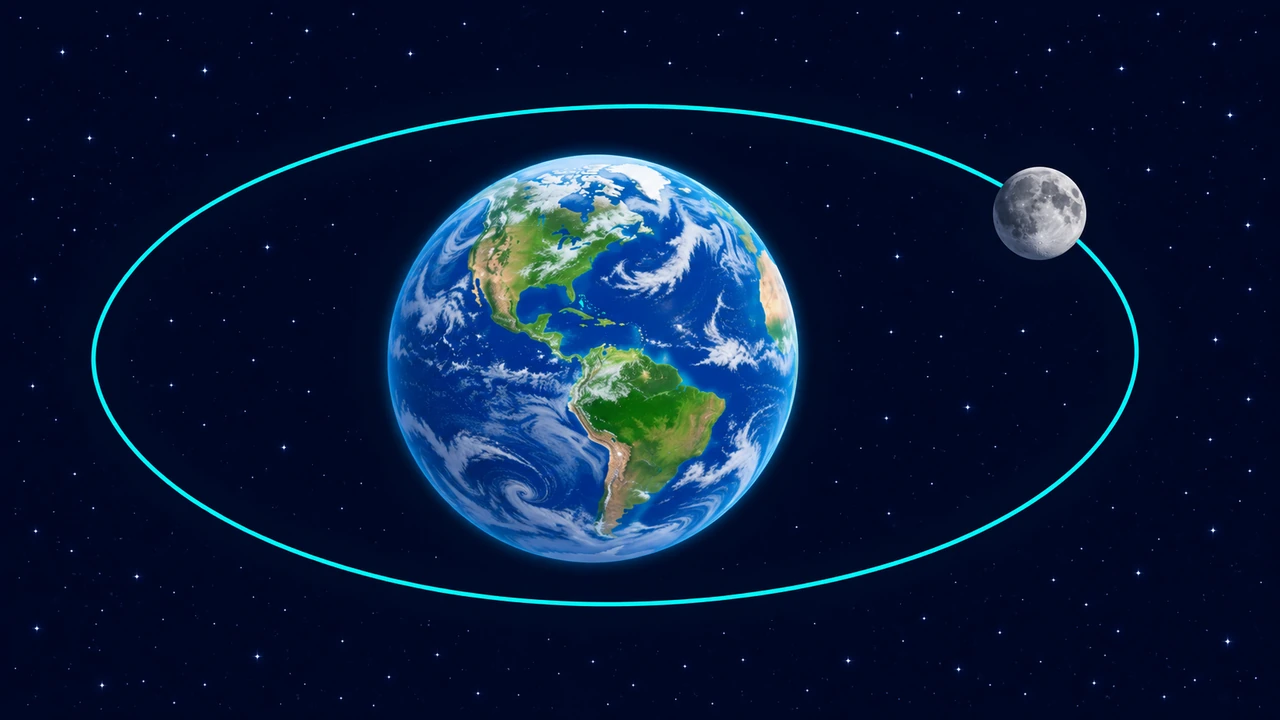
Earth-orbit activity: Tap Earth and follow a guide around one orbit.
Learning pathways
SPACEBOP ACADEMY adapts to each learner. The same mission changes its language, guidance and technical depth to suit ages 5 to 18+.
Pick your level. I'll guide you!
Ages 5–18+
Pathways are a starting point, not a limit. Learners can move up or down at any time, and their completed work and saved missions come with them.
Ages 5–7
Tap, explore and follow a friendly guide one step at a time, with narration and big, simple controls.
Earth-orbit activity: Tap Earth and follow a guide around one orbit.
Ages 8–10
Experiment with presets, compare results and earn badges, with short instructions and visible hints.
Earth-orbit activity: Change an orbit preset and compare two paths.
Ages 11–13
Connect cause and effect with labelled diagrams, simple numbers and short explanations.
Earth-orbit activity: Connect the path shape to what the satellite sees.
Ages 14–16
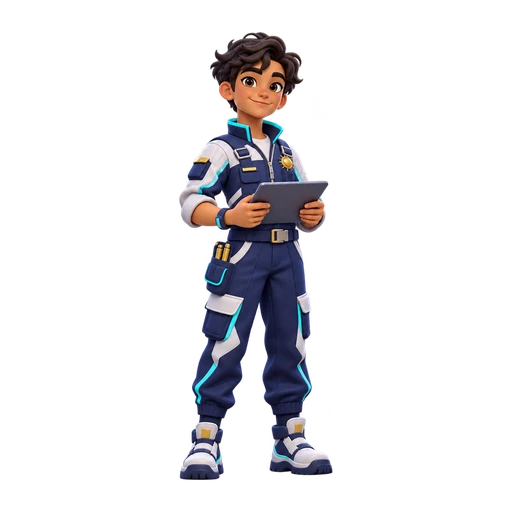
Use real units, read charts and weigh trade-offs between designs, with evidence panels.
Earth-orbit activity: Compare orbital views and explain coverage trade-offs.
Ages 17–18+
Read the assumptions and formulas behind each model and justify decisions against mission goals.
Earth-orbit activity: Read assumptions and justify the choice against a goal.
Example
Here’s how one activity about a satellite orbiting Earth changes from pathway to pathway.
Ages 5–7
Tap Earth and follow a guide around one orbit.
What learners see: A friendly guide and an oversized Earth.
Ages 8–10
Change an orbit preset and compare two paths.
What learners see: Coloured orbit paths with labels.
Ages 11–13
Connect the path shape to what the satellite sees.
What learners see: A globe with a surface footprint overlay.
Ages 14–16
Compare orbital views and explain coverage trade-offs.
What learners see: A ground track and an evidence panel.
Ages 17–18+
Read the assumptions and justify the choice against a mission goal.
What learners see: An orbital view with a chart and units.
Accessibility
Younger pathways use short instructions, narration and one action at a time. Older pathways add richer comparisons, units and optional evidence, with hints always within reach.
Narration comes with captions, and lessons offer a readable transcript.
Controls work with touch, mouse and keyboard, with a clearly visible focus.
Text scales with your device settings, and motion can be reduced in heavy scenes.
Every pathway starts with Space Academy, free.