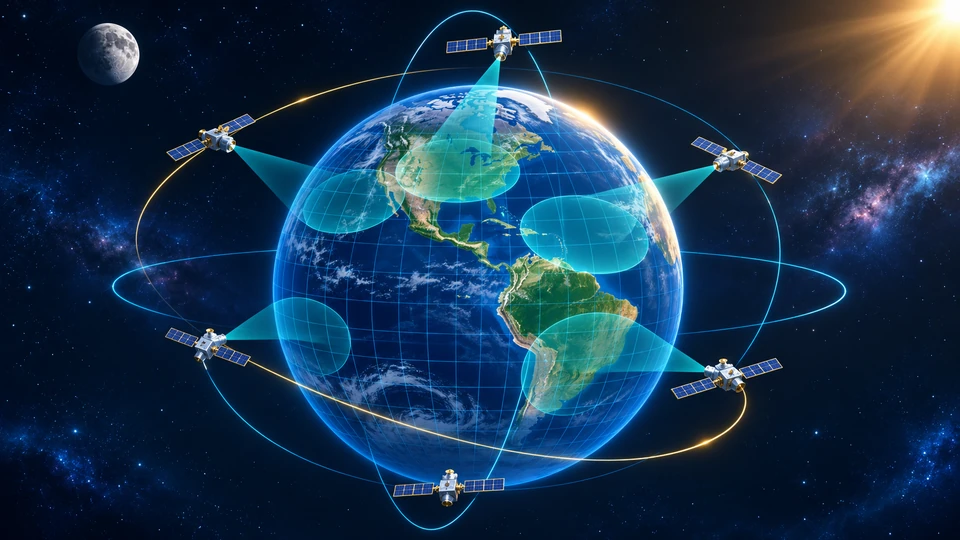
Create orbital planes, set satellite count, altitude, inclination and spacing, and see footprints, coverage gaps and handovers. Respond to simulated satellite failures.
Design a constellation from planes and satellites per plane
Explain how altitude changes a satellite's footprint
Measure regional and global coverage
Recover coverage after a satellite failure
Before you start
Orbital Mechanics & Navigation (recommended)
Every launch, command and result here is a simulation for learning. Simplifications are labelled, and older pathways see the formulas, units and assumptions.
Every activity is a guided simulation with a clear goal, a hands-on task and a debrief.
Design a constellation
Choose the orbital planes, the number of satellites, their altitude, inclination and spacing.
Check the coverage
Watch satellite footprints move, find coverage gaps and follow the handover from one satellite to the next.
Recover from a failure
Respond when a simulated satellite fails and restore coverage for the regions that depend on it.
Start free, unlock when you’re ready
Every learner begins with Space Academy for free. Unlock Satellite Constellation Management as a one-off purchase whenever you like, or get every premium module with the All-Access Pack.